Get up to 20% Discount on Bulk Orders.

Contact Us For More Info

Can't find the right version?  Call us!  We will help you choose: (870) 232-6314

0

Find the Right QuickBooks Desktop for Your Business

Running a business is hard enough without worrying about whether your books are right. That's where QuickBooks Desktop comes in — and that's where we come in. At Accountings Cart, we've helped hundreds of small business owners, bookkeepers, and accountants find the exact version of QuickBooks they need, without the guesswork.

Whether you're a freelancer keeping track of invoices, a growing company that needs inventory management, or an accountant handling books for multiple clients — there's a QuickBooks Desktop version built for the way you work.

Why QuickBooks Desktop?

A lot of folks ask us, "Why Desktop instead of Online?" Honestly, it depends on your situation. But here's what we hear from our customers all the time:

  • It's faster. Everything runs on your computer, so there's no waiting on your internet connection to load reports or enter transactions.
  • You own your data. Your company file lives on your machine. You're not dependent on a subscription to access your own books.
  • More powerful features. Desktop gives you advanced reporting, job costing, inventory tracking, and tools that the online version still doesn't match.
  • One-time purchase options. No monthly fees eating into your budget. Buy it once and use it.

Not Sure Which Version You Need?

We get it — QuickBooks Pro, Premier, Enterprise, Mac… it can feel like a lot. Here's a quick breakdown:

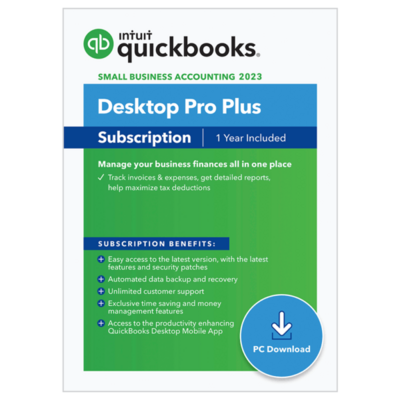
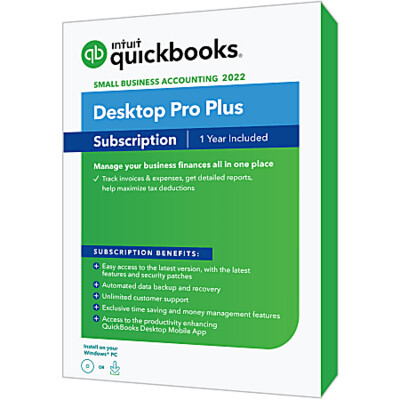
  • QuickBooks Pro — Perfect if you're a small business that needs solid bookkeeping, invoicing, and basic reporting. Handles up to 3 users.
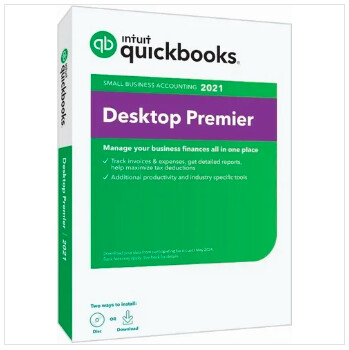
  • QuickBooks Premier — Everything in Pro, plus industry-specific reports for contractors, nonprofits, retail, and more. Up to 5 users.
  • QuickBooks Enterprise — Built for larger businesses. Advanced inventory, pricing rules, up to 40 users, and way more horsepower under the hood.
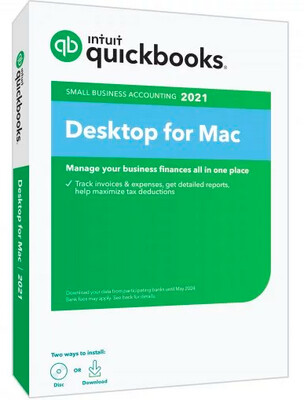
  • QuickBooks for Mac — All the Desktop goodness, designed specifically for Mac users.

Can't find the right version? Call us! We will help you choose:
(870) 232-6314
or email info@accountingscart.com

Why Buy From Accountings Cart?

We're not some faceless mega-store. We're an authorized Intuit reseller who actually knows these products inside and out. When you buy from us, you get:

  • Genuine, licensed QuickBooks products
  • Real support from people who use QuickBooks every day
  • Honest advice — we'll tell you if you don't need the expensive version
  • Fast delivery so you can get back to running your business

Browse our QuickBooks Desktop products below and find the right fit. And if you have any questions at all, don't hesitate to reach out. We're happy to help.
QuickBooks Pro Plus 2024 - 1 Year Subscription

$499.99
On Sale
was $649.99 Save 23%
In stock
Product Details

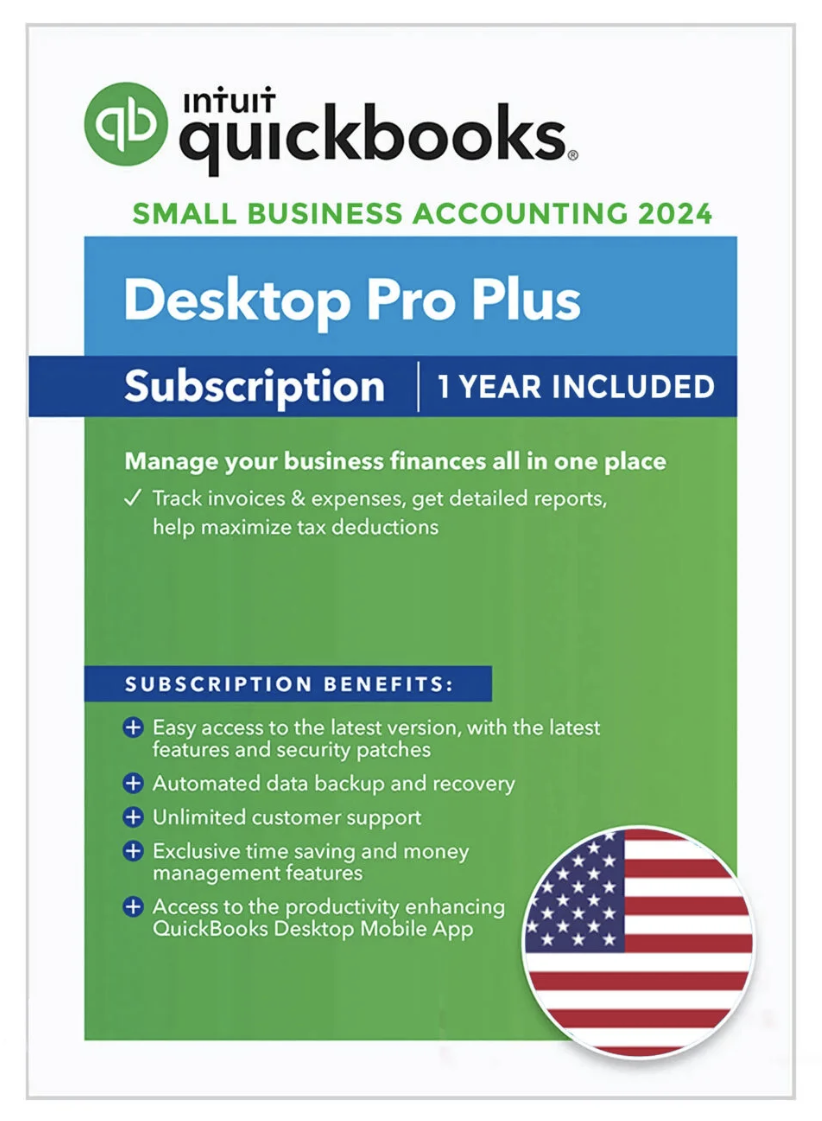
Intuit QuickBooks Desktop Pro Plus 2024, the #1 small business accounting software, enables businesses to quickly and efficiently know where their business stands. Complete everyday tasks faster with simplified customer forms. Keep customer, vendor and employee contact information at your fingertips. Get easier access to data and transactions with simplified navigation.

QuickBooks Pro Plus 2024 is the latest version of the accounting software that millions of small businesses already trust. It's everything you liked about older versions of QuickBooks Pro — the speed, the reliability, the desktop experience — but with the newest features, the latest security updates, and full support from Intuit for the entire year.

If you've been running your business on an older version of QuickBooks, or you're setting up your books for the first time, this is the version to get. It's current, it's supported, and it connects to everything you need it to.

QuickBooks Pro Plus 2024 — 1 Year Subscription

QuickBooks Pro Plus 2024 is the latest version of the accounting software that millions of small businesses already trust. It's everything you liked about older versions of QuickBooks Pro — the speed, the reliability, the desktop experience — but with the newest features, the latest security updates, and full support from Intuit for the entire year.

If you've been running your business on an older version of QuickBooks, or you're setting up your books for the first time, this is the version to get. Need help with the install? Check out our QuickBooks 2024 download and installation guide. It's current, it's supported, and it connects to everything you need it to.

What Does "Pro Plus" Mean?

Good question — a lot of people get confused by this. Here's the simple version:

QuickBooks Pro is the software itself — it handles your invoicing, expenses, reports, bank connections, and all the day-to-day bookkeeping your business needs.

The "Plus" part means you get a full year of everything that keeps the software running smoothly and up to date:

  • All software updates and new feature releases throughout the year
  • The latest security patches to keep your financial data safe
  • Ongoing bank feed connections — your bank transactions keep downloading automatically
  • Payroll tax table updates (if you add payroll)
  • Full Intuit technical support whenever you need help
  • Online backup so your data is protected even if your computer has a problem

Think of it this way: Pro is the engine, and Plus is the maintenance plan that keeps everything current and connected.

What's New in the 2024 Version?

Intuit doesn't reinvent the wheel every year — and honestly, that's a good thing. QuickBooks Pro has worked well for years because they focus on making it more reliable and easier to use, not flashier. That said, the 2024 version does bring some real improvements:

  • Faster performance — Especially noticeable if you're working with larger company files. Reports load quicker, lists scroll smoother, and switching between screens feels snappier.
  • Improved bank feeds — More reliable connections with banks and fewer disconnections. The matching process is also smarter, so you'll spend less time categorizing transactions manually.
  • Better security — Updated encryption and data protection. Your financial information stays locked down.
  • Updated payment options — Easier for your customers to pay you by credit card or bank transfer directly from invoices you send.
  • Compatibility — Fully compatible with Windows 10 and Windows 11, and works with the latest versions of Microsoft Office for exporting reports.

QuickBooks Pro Plus 2024 Features — The Full Breakdown

Professional Invoicing

Getting paid starts with sending a good invoice — and QuickBooks Pro Plus makes it easy. Create clean, professional invoices with your business name, logo, and payment terms. Send them by email right from the software, and track exactly who's paid and who hasn't.

  • Create and email invoices in under a minute
  • Customize with your logo, colors, and business details
  • Set up recurring invoices for regular clients — they go out automatically
  • Convert estimates to invoices with one click
  • Track paid, unpaid, and overdue invoices from a single dashboard
  • Let customers pay by credit card or bank transfer right from the invoice
  • Batch invoicing — send multiple invoices at once when you need to bill several clients

Expense Tracking and Bank Connections

Manually entering every transaction is a waste of your time. QuickBooks Pro Plus 2024 connects directly to your bank accounts and credit cards and downloads your transactions automatically. You just review them, put them in the right category, and move on with your day.

  • Automatic bank and credit card feeds from thousands of financial institutions
  • Smart matching — QuickBooks learns how you categorize transactions and starts suggesting the right categories
  • Attach receipts and documents to any transaction
  • Track expenses by customer, job, or project
  • Split transactions across multiple expense categories
  • Bank reconciliation in minutes — make sure your books match your statements down to the penny

Over 100 Built-In Reports

You can't manage what you can't measure. QuickBooks Pro Plus 2024 gives you the reports you need to understand where your business stands financially — without needing an accounting degree to read them.

  • Profit & Loss — Your revenue minus your expenses. The most important number in your business.
  • Balance Sheet — What you own, what you owe, and your equity. Banks and lenders always ask for this.
  • Cash Flow Statement — Where cash is coming from and where it's going. Helps you plan ahead so you don't run short.
  • Accounts Receivable Aging — Who owes you money and how long they've been sitting on it. Essential for following up on late payers.
  • Accounts Payable Aging — What you owe to vendors and when each payment is due.
  • Sales by Customer, Item, or Rep — See what's selling, who's buying, and which sales reps are performing.
  • Budget vs. Actual — Compare what you planned to spend against what you actually spent.
  • Tax Summary and Detail — Pull together your tax numbers without scrambling through months of records.
  • Customize any report by date range, account, customer, or class
  • Export to Excel or PDF to share with your accountant or business partner

Bill Management

Juggling vendor bills with different due dates and payment terms gets stressful. QuickBooks keeps all your bills organized in one place so you always know what's due, what's coming up, and what's already been taken care of.

  • Enter and track bills from all your vendors and suppliers
  • Schedule payments so you never miss a deadline or pay a late fee
  • Pay multiple bills at once to save time
  • Print checks directly from QuickBooks
  • Track vendor balances and full payment history
  • Track 1099 payments for contractors and freelancers you pay throughout the year

Inventory Management

Selling products? QuickBooks Pro Plus 2024 keeps your inventory counts accurate without you having to track it all on paper or in a spreadsheet. Every time you make a sale or receive a shipment, your numbers update automatically.

  • Real-time inventory tracking — always know what's in stock
  • Set reorder points and get alerts when stock runs low
  • Automatic inventory adjustments when you sell or receive goods
  • Inventory valuation reports so you know what your stock is worth
  • Track cost of goods sold for accurate profit margins
  • Purchase orders — order from vendors and track what's been received

Up to 3 Users at the Same Time

Your bookkeeper, your office manager, and you — all working in QuickBooks at the same time without stepping on each other. No waiting for someone to close the file. No syncing issues. Just three people getting work done.

  • 3 simultaneous users on one company file
  • Role-based permissions — control who can see payroll, banking, or vendor data
  • Works over your local network
  • Audit trail tracks who changed what and when

Payroll-Ready

When you're ready to stop outsourcing payroll and bring it in-house, QuickBooks Pro Plus is ready. Add a payroll subscription and handle everything from one place — paychecks, tax calculations, direct deposit, the works.

  • Calculate paychecks with accurate federal and state tax withholdings
  • Print checks or set up direct deposit
  • Track employee hours, vacation, and sick time
  • File payroll taxes and generate W-2s at year-end
  • Stay current with automatic payroll tax table updates (included with Plus subscription)

Tax Season Without the Headache

If your books are up to date throughout the year, tax time goes from weeks of stress to a few clicks. QuickBooks Pro Plus organizes everything by tax category as you go, so when your accountant or tax preparer needs the numbers, they're ready.

  • Income and expenses automatically organized by tax category
  • One-click tax summary and detail reports
  • Track deductible expenses all year so nothing slips through
  • Print 1099s for contractors at year-end
  • Export data to your accountant or directly to TurboTax

More Features You'll Actually Use

  • Estimates — Create detailed project estimates and send them to clients. When approved, convert to an invoice instantly.
  • Sales receipts and credit memos — Handle cash sales and process returns or customer credits cleanly.
  • Memorized transactions — Set up recurring entries like monthly rent, insurance, or retainer invoices. QuickBooks handles them automatically.
  • Journal entries — Make manual adjustments when needed. Your accountant will thank you for having this option.
  • Multiple company files — Run two or three businesses? Keep separate books for each and switch between them easily.
  • Online backup — Your company file gets backed up automatically so your data is safe even if your hard drive fails.
  • Customer and vendor centers — Every transaction, note, balance, and contact detail for each customer and vendor — all in one organized place.
  • Customizable forms — Invoices, estimates, purchase orders, sales receipts — brand them all with your logo and company details.
  • Class tracking — Tag transactions by department, location, or any custom category. See exactly where revenue and expenses are coming from.

QuickBooks Pro Plus 2024 vs. QuickBooks Online — What's the Difference?

Both get the job done, but they work differently. Here's why a lot of our customers choose Desktop Pro Plus over Online:

  • Speed — Desktop runs locally on your computer. No browser lag, no waiting for pages to load. It's just faster, especially for heavy data entry or running large reports.
  • Your data stays on your machine — Not sitting on a cloud server somewhere. If you care about keeping your financial data private and under your control, Desktop gives you that.
  • More robust features — Things like batch invoicing, memorized transactions, detailed inventory tracking, and deeper reporting options that Online's comparable plans don't include.
  • No internet required for basic work — You can enter transactions, run reports, and do your bookkeeping even without an internet connection. You only need internet for bank feeds and updates.
  • Familiar feel — If you've used QuickBooks Desktop before, the 2024 version feels like home. No relearning a completely different interface.

Online is a good choice if you need to access your books from anywhere — a laptop at a coffee shop, your phone, a tablet. But if you work mainly from one location and want maximum speed and features, Desktop Pro Plus is the way to go. We break down the real differences in our Desktop vs. Online comparison.

Who Should Buy QuickBooks Pro Plus 2024?

This version is built for small businesses that want current, supported software without overcomplicating things. It's a great fit if you:

  • Run a small business and need reliable, professional bookkeeping software
  • Want the latest version with all current updates, security patches, and bank connections
  • Are upgrading from an older version of QuickBooks that's no longer supported
  • Need up to 3 people working in the books at the same time
  • Track inventory, send invoices, manage expenses, and run reports regularly
  • Want Intuit support available when you need it
  • Are a bookkeeper or accountant setting up a client on current software
  • Prefer desktop software over cloud-based tools

What Happens After the 1 Year Subscription?

After your year is up, you have two options. You can renew your subscription to keep getting updates, bank feeds, security patches, and support. Or you can let it expire — the software still works on your computer, but you won't receive new updates or be able to use bank feeds and other connected services.

Most businesses renew because the bank feeds and payroll updates alone are worth it. But the choice is yours — you're never locked out of your own data.

System Requirements

  • Operating System: Windows 10 (64-bit) or Windows 11
  • Processor: 2.4 GHz minimum
  • RAM: 8 GB recommended (4 GB minimum)
  • Disk Space: 2.5 GB plus additional room for company data files
  • Display: 1280 x 1024 resolution or higher
  • Internet: Required for bank feeds, payroll, updates, and online backup

Ready to upgrade to QuickBooks Pro Plus 2024?

Not sure which version is right for you? Call us — we'll walk you through it.

Call us: (870) 232-6314
Email: info@accountingscart.com

Why Buy From Accountings Cart?

We've been selling QuickBooks products for years, and we're not going anywhere. Here's what you get when you buy from us:

  • Authorized Intuit reseller — Every license we sell is 100% genuine. No gray market, no questionable keys. The real deal.
  • Certified QuickBooks ProAdvisors — We use this software daily. When you call us, you're talking to someone who knows QuickBooks, not someone reading from a script.
  • Straight talk — If Pro Plus is more than you need, we'll tell you. If you'd save money with a non-subscription version , we'll say that too. We want you to buy the right product, not the most expensive one.
  • Real people, real phone number — Call (870) 232-6314 during business hours and a human answers. No phone menus. No chatbots. No hold music for 45 minutes.
  • Quick delivery — You're buying this because you need to get your books set up. We get it to you fast.

We're a small business that helps other small businesses get their finances right. We know what it takes to keep the books clean while running everything else, because we do it too. If you need help picking the right version or have questions after your purchase, we're a phone call away.

Share this product with your friends
QuickBooks Pro Plus 2024 - 1 Year Subscription

                                   WE’RE HERE TO HELP YOU

Talk to sales


Give us a call if you need help picking a QuickBooks product.


Call   1-870-600-4541

 Mon-Fri, 5 AM to 6 PM PT


After we help you discover what you want, we'll work together to find the very best way of achieving it.