QuickBooks Desktop vs QuickBooks Online — Which One Actually Makes Sense for Your Business?
QuickBooks Desktop vs QuickBooks Online — Which One Actually Makes Sense for Your Business?
QuickBooks Desktop vs QuickBooks Online — Which One Actually Makes Sense for Your Business?
A real comparison from people who actually use both.
This is probably the most common question we get. And honestly, the answer isn't the same for everyone. But there's a lot of noise out there — most of it coming from people who want to sell you a subscription. So let's cut through it.
The Big Difference in Plain English
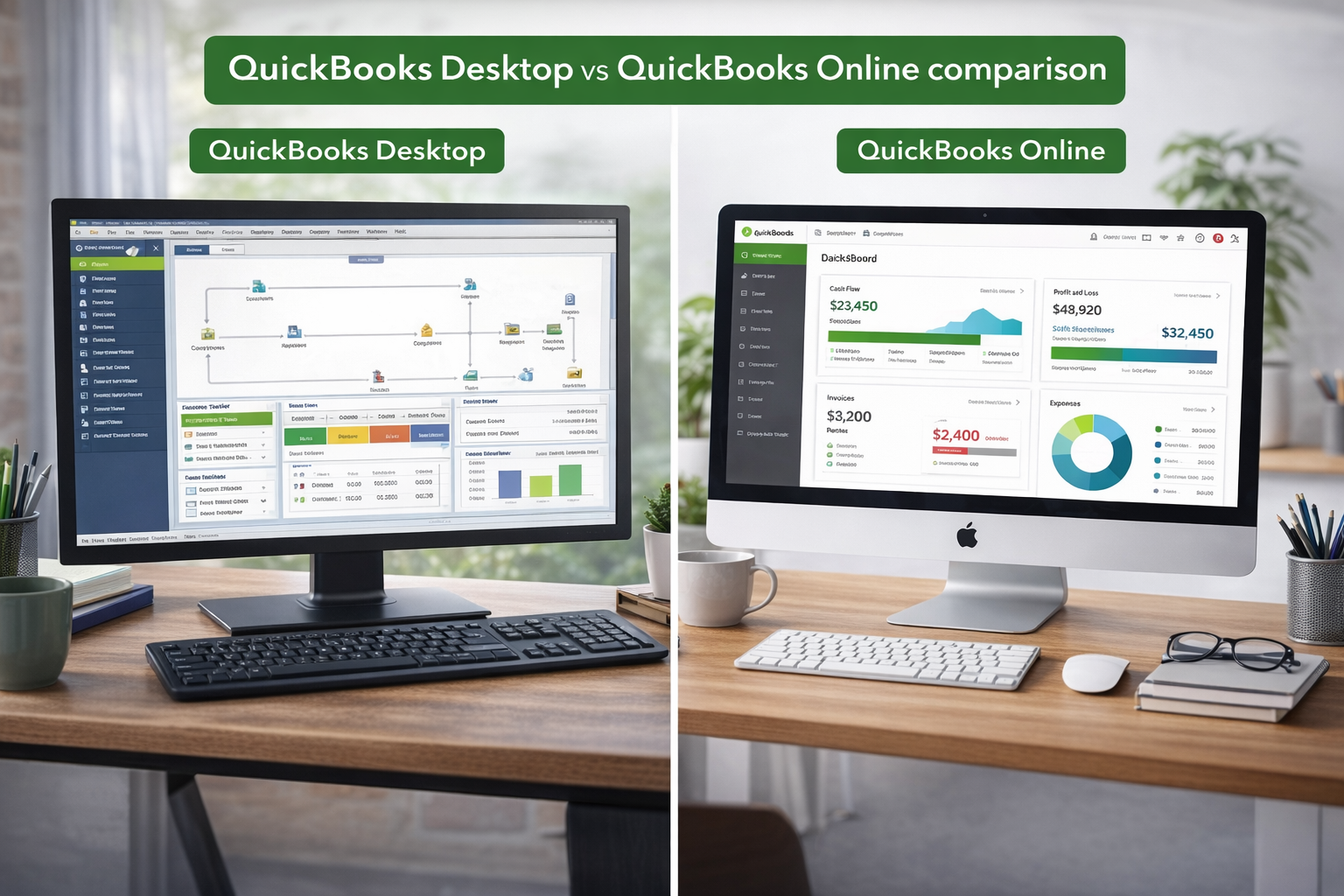
QuickBooks Online lives on the internet. You log into a browser, do your work, and everything is stored on Intuit's servers. You pay every month to use it.
QuickBooks Desktop lives on your computer. You install it once, your data stays on your machine (or your office server), and you own the software. One payment, done.
That's really the core of it. Everything else is details.
When QuickBooks Online Makes Sense
Let's give credit where it's due. Online works well if:
- You need to access your books from your phone or a random laptop while traveling
- You have a bookkeeper or accountant who needs to log in remotely
- You run a very simple business — freelancing, consulting, small service work
- You don't mind paying monthly and want automatic updates
If that sounds like you, Online might be fine. No judgment.
When QuickBooks Desktop is the Better Choice
Now here's where Desktop pulls ahead, and it's not even close for certain businesses:
You're tired of monthly fees
QuickBooks Online ranges from $30 to $200 per month depending on your plan. That's $360 to $2,400 a year. Every year. And Intuit raises prices regularly — check your bill from two years ago versus today.
QuickBooks Desktop? You pay once. That's it. Over three years, you could save thousands. We explain exactly how to do that in our guide on buying QuickBooks Desktop without a subscription.
You need speed
This is something people don't talk about enough. Desktop is faster. Period. It runs on your machine, not through a browser. Reports generate instantly. Data entry feels snappy. If you've ever waited for QuickBooks Online to load a report and watched that spinning wheel, you know what I'm talking about.
You handle inventory
Desktop's inventory management is significantly more powerful than Online's. If you're tracking products across locations, doing assemblies, or running manufacturing, Desktop handles it without breaking a sweat. Online's inventory features feel like an afterthought by comparison.
You want your data on YOUR computer
Some business owners don't love the idea of their financial data sitting on someone else's servers. With Desktop, your company file is on your machine. You control the backups. You decide where your data goes.
You have complex reporting needs
Desktop has over 100 built-in reports and lets you customize them deeply. Online has gotten better over the years, but it still can't match Desktop's reporting depth — especially for industry-specific reports in Premier and Enterprise.
The "But What About..." Questions
"But I need cloud access"
You can host QuickBooks Desktop on a cloud server through third-party hosting services. You get remote access AND the power of Desktop. Best of both worlds.
"But Desktop is being discontinued"
People have been saying this for five years. Intuit stopped selling it directly, but they still support existing versions and authorized resellers still sell genuine licenses. The software isn't going anywhere.
"But Online gets automatic updates"
True. But automatic updates also mean Intuit can change things without asking you. Moved a button? Changed a workflow? Tough luck. With Desktop, your software stays the way you set it up until you decide to change it.
Real Talk — Our Honest Take
We sell QuickBooks Desktop, so you'd expect us to push it. But here's the truth — we recommend it because we've seen hundreds of business owners switch from Online to Desktop and not look back. The savings add up fast, the software is more powerful for most business needs, and people just prefer working with something they own.
That said, if you're a solo freelancer who works from coffee shops and just needs to send a few invoices, Online is probably fine for you.
For everyone else — retailers, contractors, manufacturers, nonprofits, growing businesses — Desktop is the smarter move.
Ready to Make the Switch?
Browse our QuickBooks Desktop shop and pick the version that fits. Every license is genuine, issued by Intuit, and comes with a 60-day money-back guarantee.
Got questions? Call us at (870) 232-6314 or email info@accountingscart.com. We'll help you figure out which version makes sense — no pressure, no upselling.
Ready to Make the Switch to Desktop?
Browse genuine QuickBooks Desktop licenses — one-time purchase, no monthly fees.
Call: (870) 232-6314
Email: info@accountingscart.com