
Blog
Straight answers about buying, installing, and running QuickBooks, from people who do it every day.

By Craig Winston • October 24, 2026
Is QuickBooks Desktop Being Discontinued? Here's What's Actually Happening
Intuit changed how it sells QuickBooks Desktop, and the headlines got it half right. Here's what actually stopped, what still works, and what your options are in 2026.
Read more →
By Sandra Mitchell • October 24, 2026
QuickBooks Desktop Pricing in 2026: Every Option Explained
What does QuickBooks Desktop really cost in 2026? Here's every one-time and subscription option, the costs nobody mentions, and how to work out what's cheapest for you.
Read more →
By Craig Winston • October 24, 2026
Can You Still Buy QuickBooks Desktop Pro in 2026?
Intuit stopped selling QuickBooks Desktop Pro to new US customers, but you can still buy a genuine license. Here's where, what's left, and what to check before you pay.
Read more →
By Karen Liu • October 24, 2026
QuickBooks Desktop for Contractors: A Practical Job Costing Guide
Most contractors know their revenue. Far fewer know their profit per job. Here's how to set up QuickBooks Desktop for real job costing, estimates vs actuals and progress billing.
Read more →
By Karen Liu • October 23, 2026
QuickBooks Pro vs Premier vs Enterprise: A No-Nonsense Comparison
Pro, Premier or Enterprise? We break down users, industry editions, inventory and price so you can pick the right QuickBooks Desktop version the first time.
Read more →
By Karen Liu • October 23, 2026
QuickBooks Pro 2021 vs 2024: Is the Older Version Still Worth It?
Pro 2021 is a one-time purchase; Pro Plus 2024 is a subscription. Here's how they really differ on features, support and cost, and which one makes sense for you.
Read more →
By Sandra Mitchell • October 23, 2026
QuickBooks Desktop for Nonprofits: A Getting Started Guide
Nonprofit books work differently. Here's how to set up QuickBooks Desktop for donors, grants, programs and restricted funds, and produce the reports your board expects.
Read more →
By Sandra Mitchell • October 22, 2026
QuickBooks Desktop for Mac: Everything You Need to Know in 2026
Mac users have always had fewer QuickBooks options. Here's what QuickBooks Desktop for Mac does, how it compares to Windows, and whether you can still buy it.
Read more →
By Craig Winston • October 22, 2026
QuickBooks Desktop License Transfer: What's Allowed and What Isn't
You can move a QuickBooks Desktop license to your new computer, but selling or buying a used one is another story. Here's what's allowed, what isn't, and how to stay safe.
Read more →
By Karen Liu • October 22, 2026
QuickBooks Desktop for Retail: Inventory and Sales Made Simple
Running a shop? Here's how to set up QuickBooks Desktop for inventory, daily sales, sales tax and reorder points, and which version fits a retail business best.
Read more →
By David Hernandez • October 21, 2026
How to Transfer QuickBooks Desktop to a New Computer
New computer? Here's exactly how to move QuickBooks Desktop, your company file and your license over, with the two methods that work and the mistakes to avoid.
Read more →
By Craig Winston • October 21, 2026
QuickBooks Enterprise vs Premier for Manufacturing and Wholesale
Manufacturers and wholesalers live and die by inventory. Here's how Premier and Enterprise compare on assemblies, locations, barcodes and costing, and when to upgrade.
Read more →
By David Hernandez • October 20, 2026
QuickBooks Desktop System Requirements: What Your Computer Really Needs
Will QuickBooks Desktop run well on your computer? Here are the real requirements for 2021 to 2024, what we recommend, and what a multi-user server needs.
Read more →
By David Hernandez • October 19, 2026
How to Install QuickBooks Desktop, Step by Step
Just bought QuickBooks Desktop? This guide walks through the download, install, activation and first-time setup, plus fixes for the install errors people hit most.
Read more →
By David Hernandez • October 18, 2026
How to Set Up QuickBooks Desktop Multi-User Mode
Want more than one person in QuickBooks at the same time? Here's exactly how to set up multi-user mode, what goes on the server, and how to avoid H202 errors.
Read more →
By Sandra Mitchell • October 17, 2026
How to Move From QuickBooks Online to QuickBooks Desktop
Tired of monthly QuickBooks Online bills? Here are the three ways to move to QuickBooks Desktop, what transfers cleanly, and how to plan a switch without losing a step.
Read more →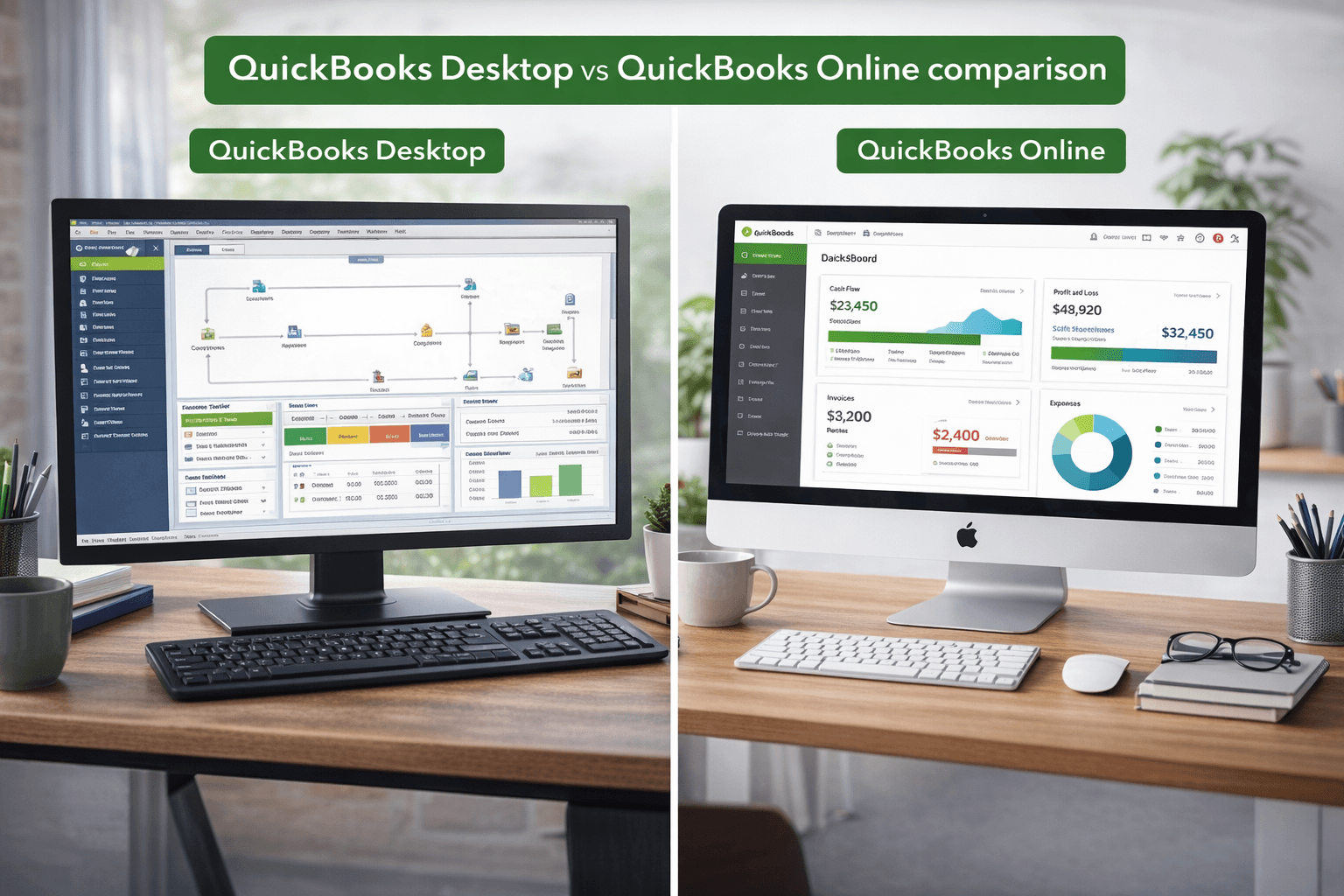
By Craig Winston • March 4, 2026
QuickBooks Desktop vs QuickBooks Online — Which One Actually Makes Sense for Your Business?
Desktop or Online? We break down cost, features, speed, and who each version is really built for so you can pick the right one the first time.
Read more →
By Craig Winston • March 3, 2026
How to Buy QuickBooks Desktop Without a Subscription?
Skip the monthly fees. Here's how to own your accounting software outright, which versions are still available, and what to watch out for.
Read more →