

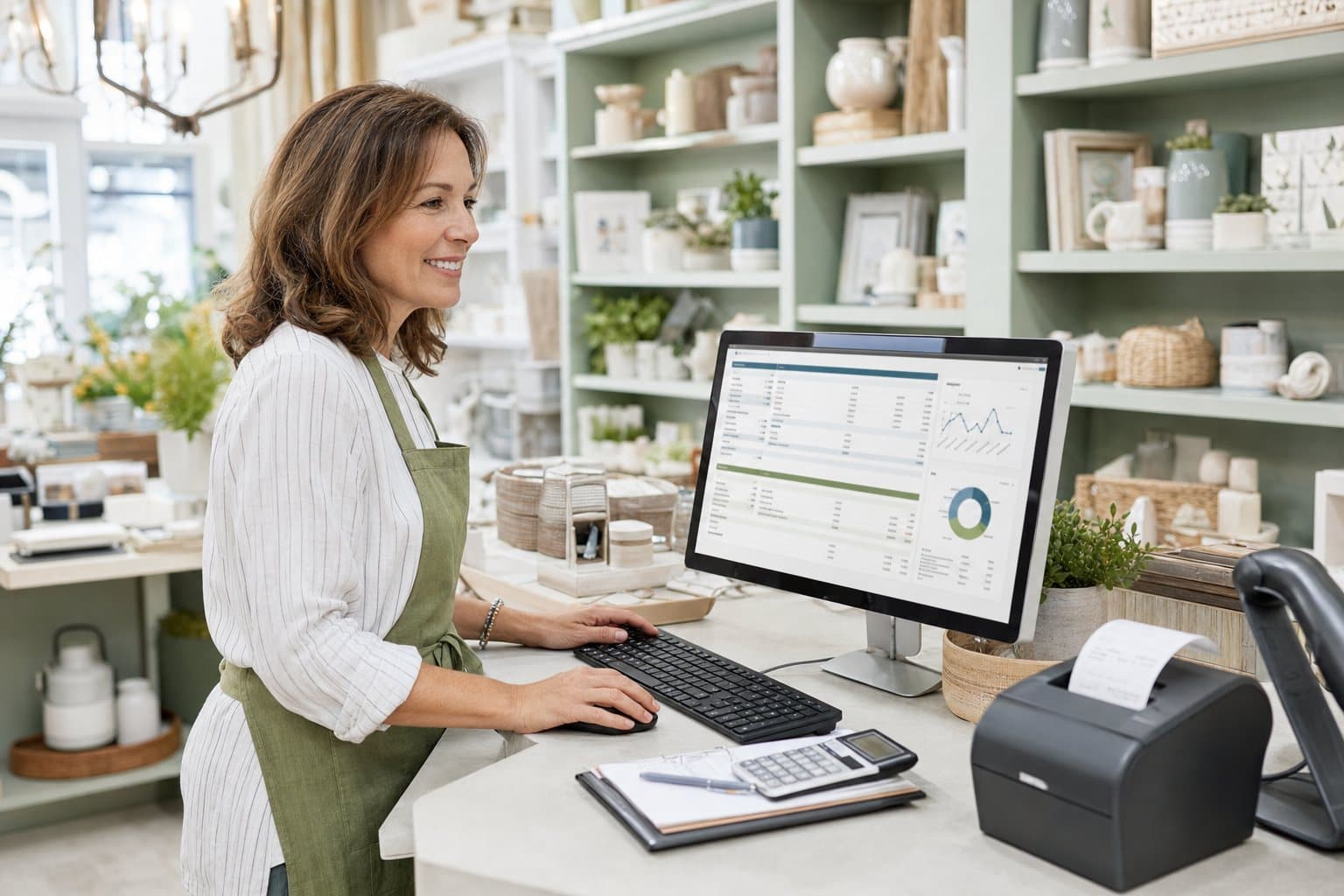
QuickBooks Desktop for Retail: Inventory and Sales Made Simple
Set up inventory, daily sales and sales tax the right way from day one.
Retail is a numbers game played at speed. You're juggling stock, suppliers, sales tax, cash drawers and card deposits, often all before lunch. The right QuickBooks setup turns that daily chaos into clear numbers: what's selling, what's sitting on the shelf, and what you actually made this month.
Here's how to set up QuickBooks Desktop for a retail store, from choosing the right edition to the reports worth checking every week.
Which Version Fits a Retail Store?
| Store type | Best fit | Why |
|---|---|---|
| Single small shop, a few hundred items | QuickBooks Pro | Inventory, sales tax and reports cover the basics |
| Growing shop that wants retail reports | QuickBooks Premier (Retail edition) | Retail-focused reports, sales orders, assemblies for kits and gift baskets |
| Multiple locations, barcodes, thousands of SKUs | QuickBooks Enterprise | Advanced Inventory with multiple sites, bins and barcode scanning |
About point of sale: Intuit's QuickBooks Point of Sale has been discontinued. Most shops now use a separate POS system (like Square, Shopify POS or Lightspeed) and record daily sales totals in QuickBooks.
Step 1: Turn On Inventory and Sales Tax
Go to Edit > Preferences > Items & Inventory and tick Inventory and purchase orders are active. Then go to Edit > Preferences > Sales Tax, turn it on, and set up your sales tax items and agency.
Step 2: Set Up Inventory Items
For each product you stock, create an Inventory Part item with:
- A clear name or SKU
- Purchase cost and sales price
- COGS, income and inventory asset accounts
- Reorder point, so QuickBooks reminds you when to restock
- Preferred vendor
Use sub-items to group products (Candles > Soy Candles > Lavender) so reports stay tidy. For many items, import them from a spreadsheet under File > Utilities > Import > Excel Files.
Step 3: Buy Inventory the Right Way
Create Purchase Orders to suppliers, then use Receive Inventory when the shipment arrives, and Enter Bill for Received Items when the bill comes in. This keeps your stock levels and costs accurate and shows exactly what's on order.
Step 4: Record Daily Sales
If you use a separate POS system, record one Sales Receipt per day (a "daily sales summary") with:
- Product sales by category or item
- Sales tax collected
- Discounts and returns
- Payment types: cash, card, gift card
Deposit card and cash totals into an Undeposited Funds account, then record the actual bank deposits so they match your bank statement.
Match the deposits, not just the sales. Card processors deposit your money minus fees, a day or two later. Record the fees as an expense so your bank reconciliation matches to the penny.
Step 5: Do a Physical Count
At least once a year (quarterly is better), count your stock and use Adjust Quantity/Value on Hand to fix any differences. Shrinkage, breakage and miscounts add up, and your balance sheet should reflect what's really on the shelf.
Reports Every Retailer Should Watch
| Report | What it tells you |
|---|---|
| Sales by Item Summary | Your best and worst sellers |
| Inventory Valuation Summary | What your stock is worth right now |
| Inventory Stock Status by Item | Stock levels against reorder points |
| Profit & Loss by Month | How your margins move through the seasons |
| Sales Tax Liability | What you owe each tax agency |
| Physical Inventory Worksheet | A printable list for stock counts |
Retail Tips That Save Money
- Price with margin in mind. Compare cost and price in Sales by Item to spot products that aren't pulling their weight.
- Clear slow movers. Items that haven't sold in six months are tying up cash.
- Watch seasonal cash flow. Use last year's monthly P&L to plan stock buys before busy seasons.
- File sales tax on time. QuickBooks shows what you owe; mark your calendar for each deadline.
Frequently Asked Questions
Can QuickBooks Desktop track inventory for a retail store?
Yes. Pro and Premier track inventory quantities and average cost, with reorder points and purchase orders. Enterprise adds multiple locations, barcodes and bin tracking.
Does QuickBooks Desktop work with my POS system?
Many POS systems can export daily sales or connect through third-party apps. The simplest reliable method is entering one daily sales summary in QuickBooks.
Which inventory costing method does QuickBooks Desktop use?
Pro and Premier use average costing. Enterprise with Advanced Inventory can use FIFO.
Can I track more than one store location?
Pro and Premier can use classes to report sales by location, but they can't track stock in separate locations. Enterprise Advanced Inventory tracks quantities by site.
Want the Right QuickBooks for Your Shop? Ask Us.
We're real people who know QuickBooks inside and out.
Phone: (870) 232-6314
Email: info@accountingscart.com
Keep reading
More from the blog

By Craig Winston • October 24, 2026
Is QuickBooks Desktop Being Discontinued? Here's What's Actually Happening
Intuit changed how it sells QuickBooks Desktop, and the headlines got it half right. Here's what actually stopped, what still works, and what your options are in 2026.
Read more →
By Sandra Mitchell • October 24, 2026
QuickBooks Desktop Pricing in 2026: Every Option Explained
What does QuickBooks Desktop really cost in 2026? Here's every one-time and subscription option, the costs nobody mentions, and how to work out what's cheapest for you.
Read more →
By Craig Winston • October 24, 2026
Can You Still Buy QuickBooks Desktop Pro in 2026?
Intuit stopped selling QuickBooks Desktop Pro to new US customers, but you can still buy a genuine license. Here's where, what's left, and what to check before you pay.
Read more →
By Karen Liu • October 24, 2026
QuickBooks Desktop for Contractors: A Practical Job Costing Guide
Most contractors know their revenue. Far fewer know their profit per job. Here's how to set up QuickBooks Desktop for real job costing, estimates vs actuals and progress billing.
Read more →